Glossary-aware translation for thousands of CSV rows.
Upload your CSV, wait a minute, and export a localized file with professional glossary-aware translations.
Get started free
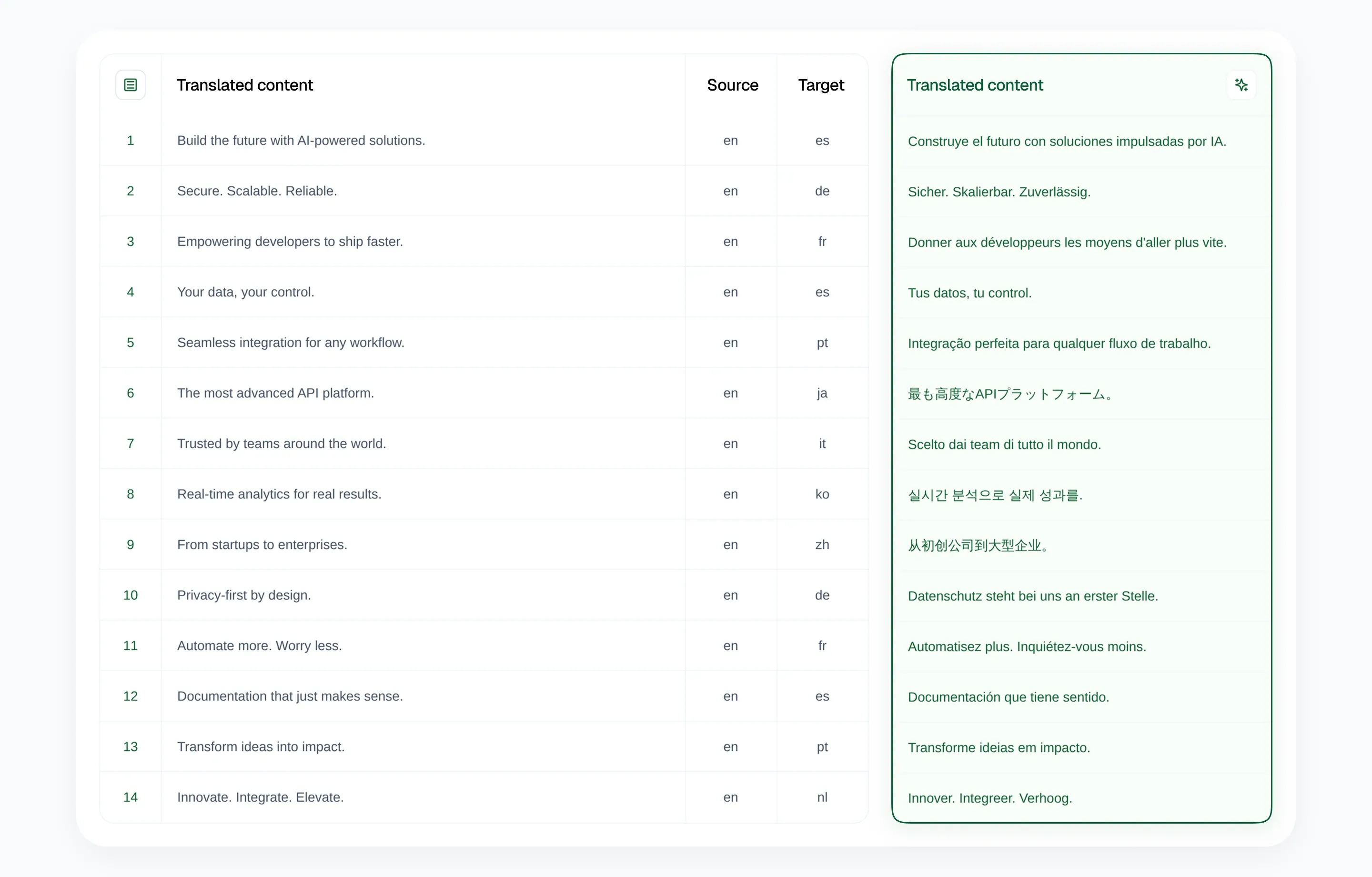
Run CSV translations in 3 simple steps
1. Upload your CSV
Upload a CSV from your website platform, CMS, store, or internal tool, and you choose the translation mode.
Upload CSV →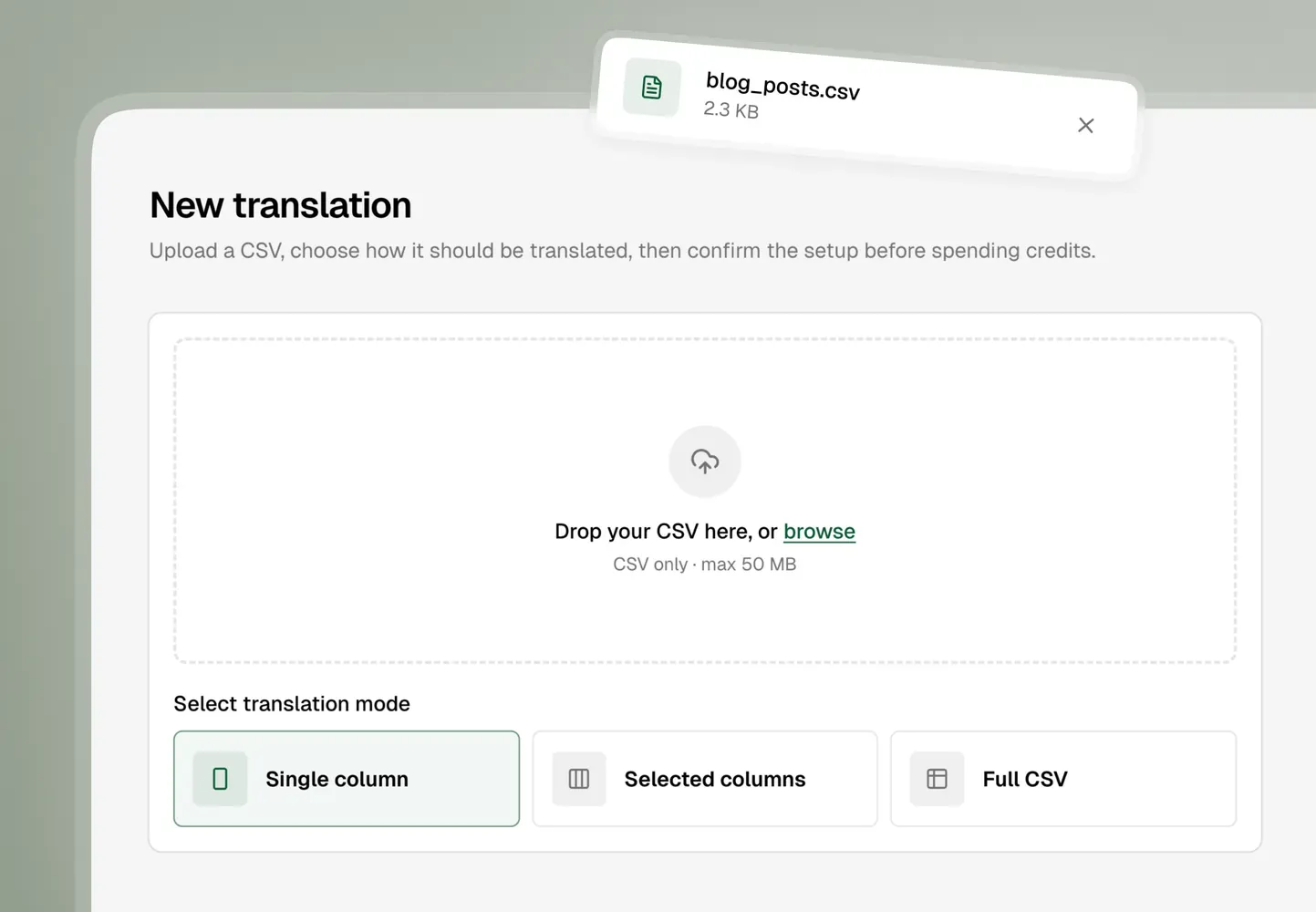
2. Review and confirm
Confirm how the file should be processed and translated before you launch the job.
Review setup →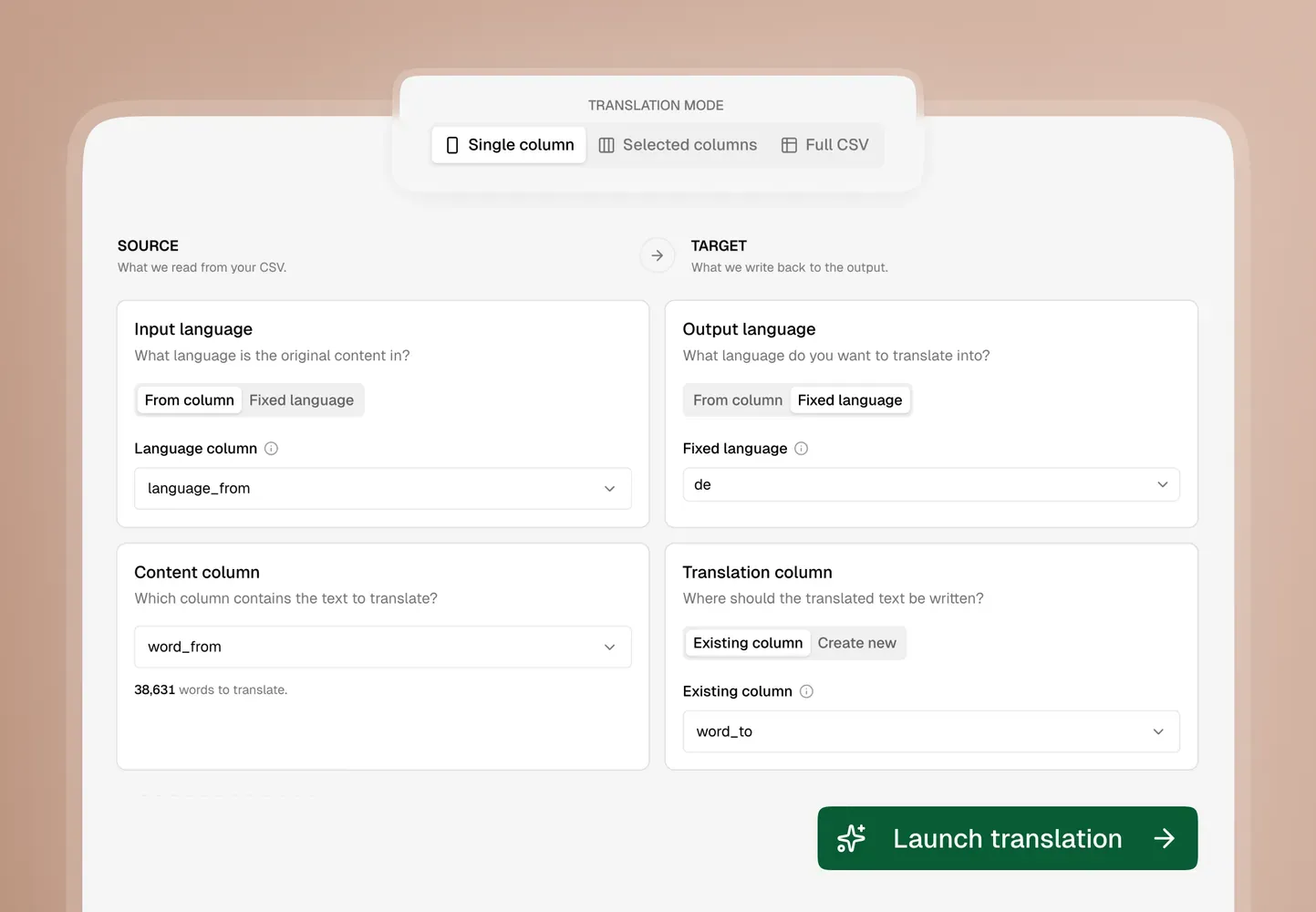
3. Export your CSV
Download the translated CSV and reuse it wherever your workflow needs it.
Get your result →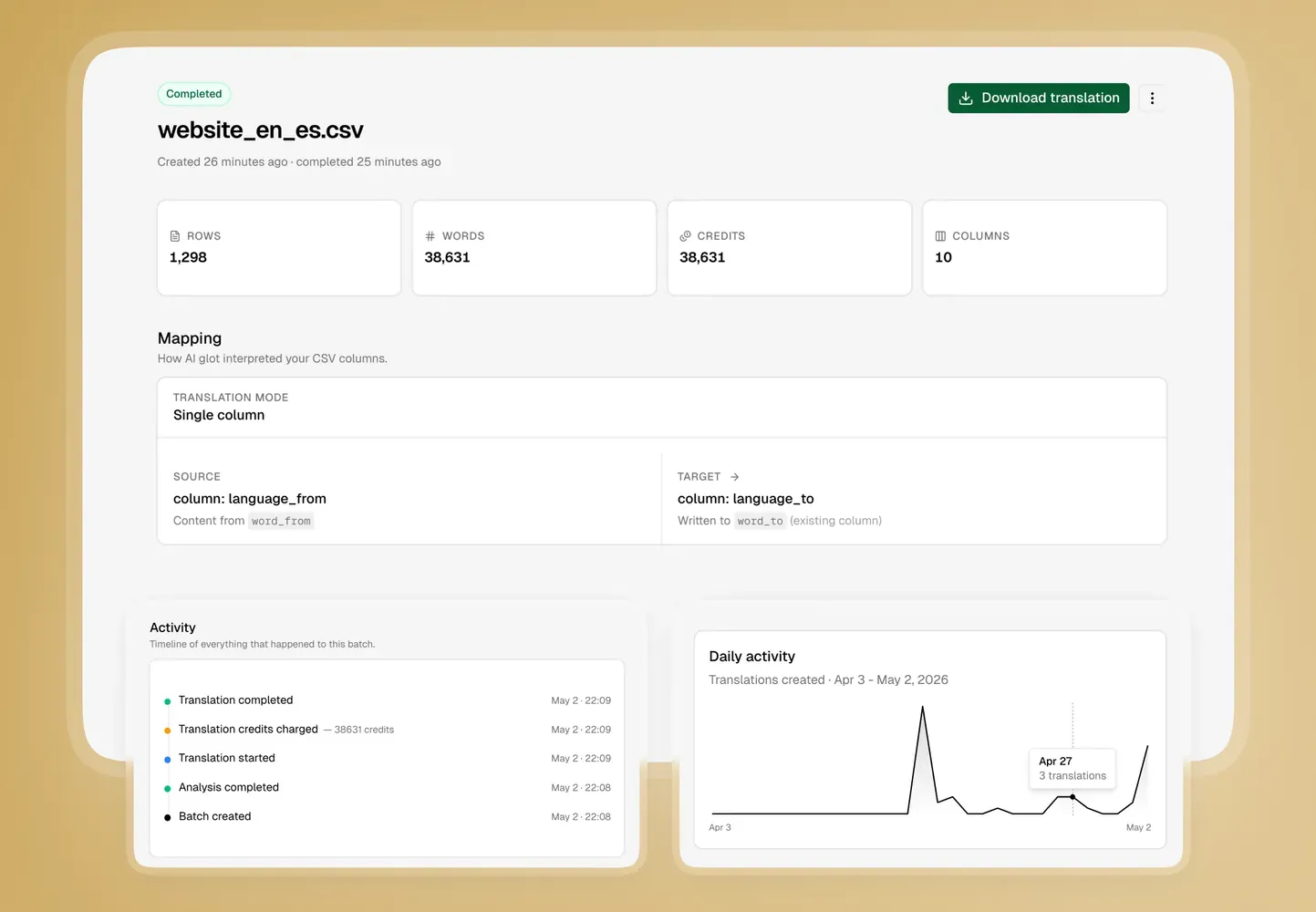
Choose the right mode for each CSV
Different files need different translation behavior. AI Glot lets you pick the mode that matches the structure of the task.
Single column
Translate one source column into a new or existing target column.
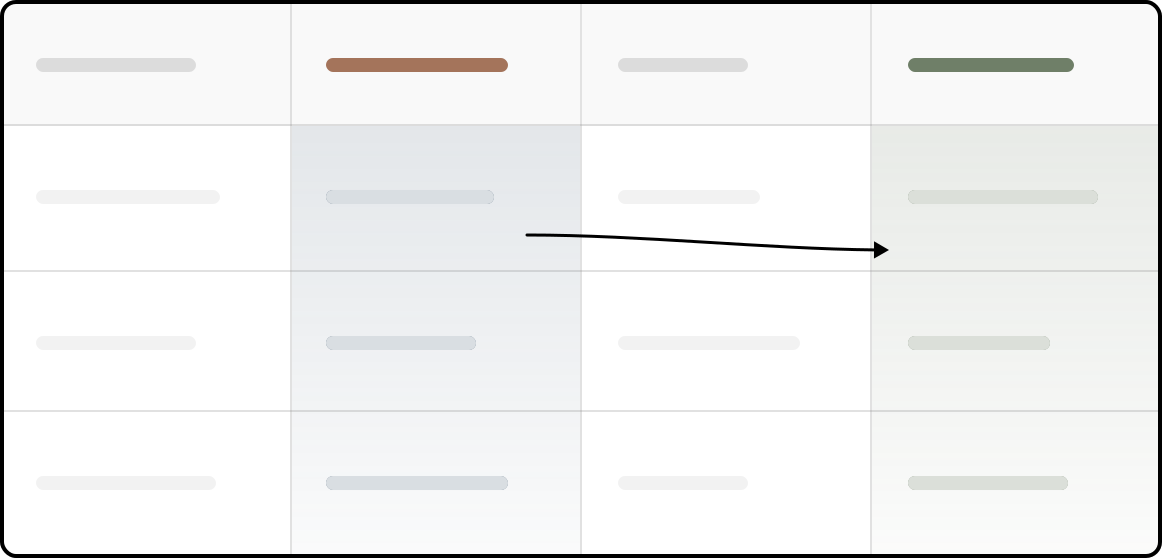
Best for
- Product catalogs
- Glossary-style files
- Clear source and target columns
Selected columns
Translate only the columns you choose while keeping the rest of the file untouched.

Best for
- CMS and Webflow exports
- Website content tables
- SEO metadata fields
Multi-language columns
Fill several existing language columns from one source column.
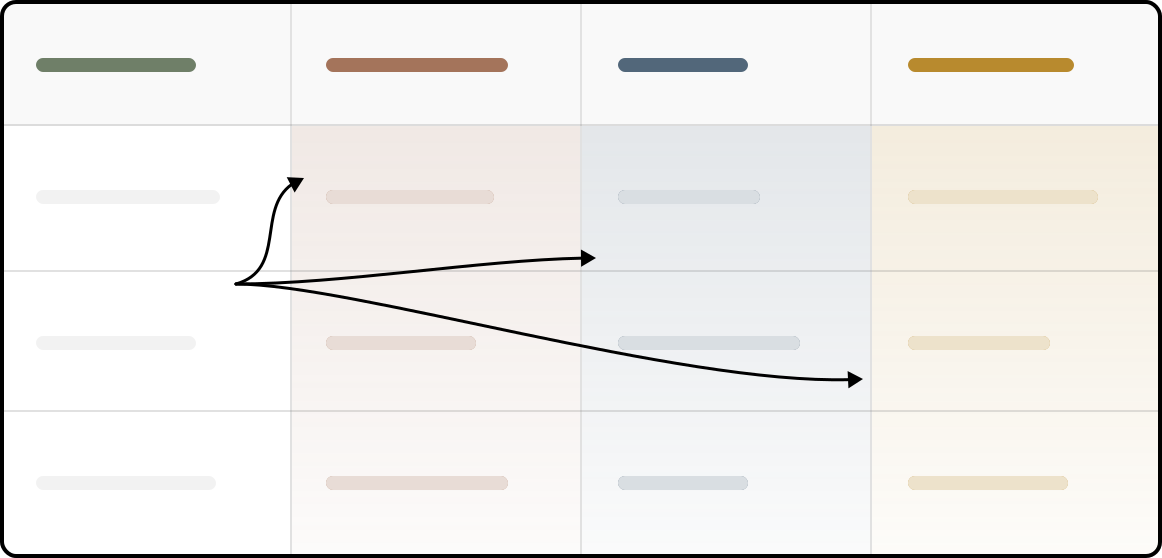
Best for
- Spreadsheets with language headers
- Replacing weak exported translations
- One source, many target languages
Full CSV
Translate every cell and every header when the whole file needs to become localized.

Best for
- Complete localization exports
- App string files
- Full language versions
Built for flexible CSV translation
Intelligent File Structure Analysis
AI Glot reads your file structure, detects languages and content columns, then provides an intelligent mapping for you to review before translation.
Four Translation Modes
Translate one column, translate selected fields, fill language columns, or localize the full CSV including headers.
Company Glossaries
Add brand terms, product names, and technical vocabulary so translations match your company's voice across languages.
Built for Thousands of Rows
Process large localization files without copy-paste work. In testing, a 1,000-row CSV translated in under a minute.
Frequently Asked Questions about AI Glot
What does AI Glot actually do?
Who is AI Glot built for?
What translation modes can I use?
Do I get to review the setup before translation starts?
Can I use it with Weglot, Shopify, WordPress, Webflow, or my own database?
Why not just use ChatGPT or Claude to translate my CSV?
The problem starts when the CSV becomes larger or more structured. Generic AI tools are not built as controlled CSV translation workflows. They may try to rewrite the whole file, change formatting, lose row alignment, or behave inconsistently when you only want to translate one source column into one target column, especially if that destination column already exists or needs to be created cleanly.
They are also inefficient for repeated bulk work. You often end up sending far more context than necessary, rebuilding the CSV again and again, and burning through your token plan much faster than expected.
AI Glot is more adapted when the work needs to scale: larger files, selected columns only, predictable output structure, glossary consistency, and a review step before launching the full translation.