CSV requirements and preparation
Prepare a CSV that AI Glot can parse and later re-import, including file size, encoding, delimiters, headers, quotes and row structure.
A clean export is the best protection against a failed import after translation.
Requirements
| Requirement | Supported behaviour |
|---|---|
| File type | .csv text file |
| Maximum upload | 35 MB |
| Encoding | Strict UTF-8 |
| Delimiter | Comma or semicolon, detected automatically |
| Line endings | LF, CRLF or CR |
| Quoting | RFC 4180 quotes, including embedded commas and line breaks |
| Headers | Every column needs a unique, non-empty header |
| Rows | At least one data row; every row must match the header width |
Physical blank rows and whitespace are preserved. A translated value may be longer than its source, so AI Glot keeps storage headroom above the 35 MB input limit for the completed file.
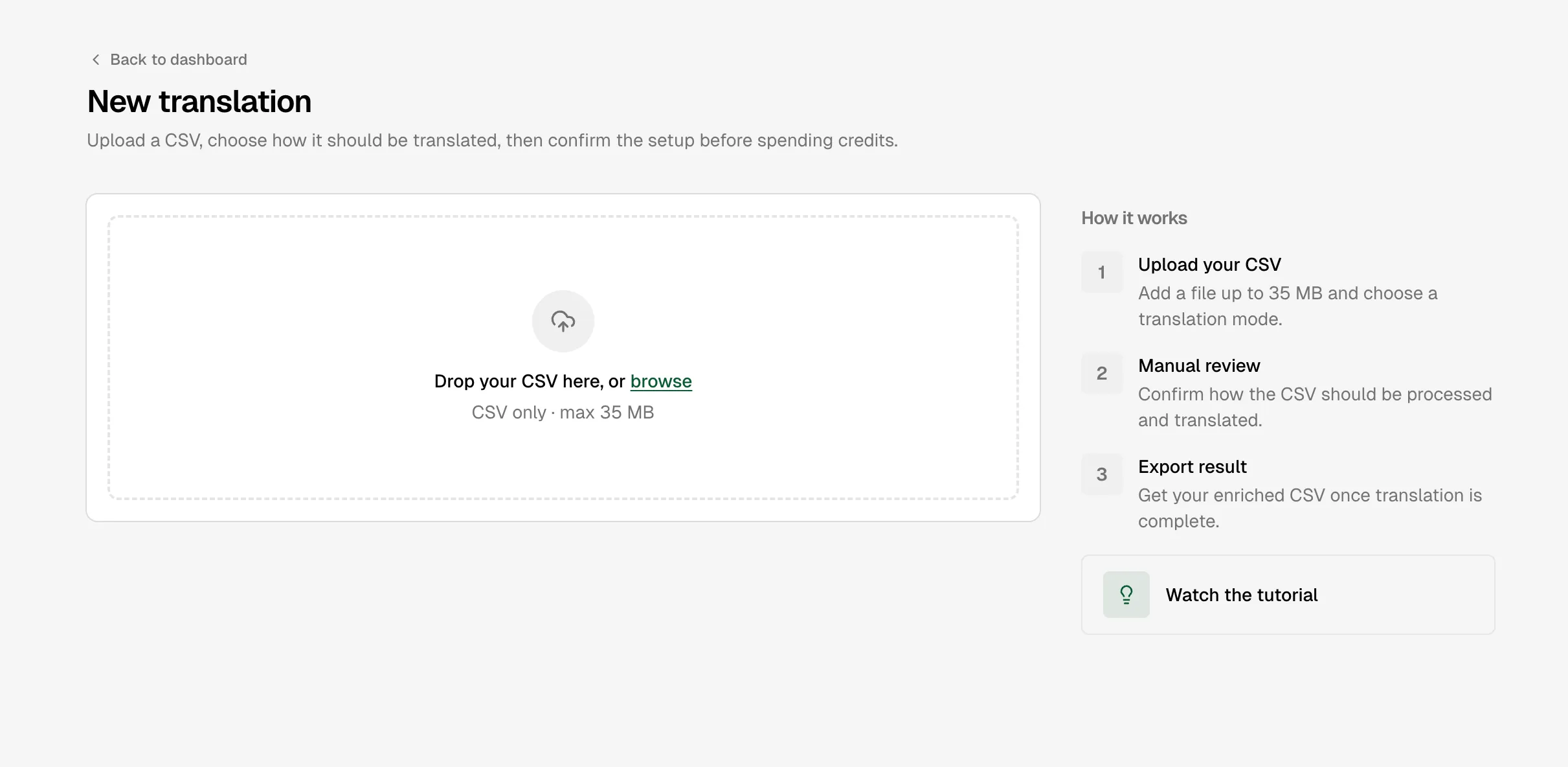
Prepare the export
Keep stable identifiers
Include the key your destination system uses to match rows—such as a product ID or record ID—but do not select it for translation.
Give columns unique names
Replace blank or duplicate headers before upload. Names such as description_en and description_fr are easier to map than repeated description columns.
Export as UTF-8 CSV
In Excel or another spreadsheet, choose the UTF-8 CSV option. Renaming an .xlsx file to .csv does not convert it.
Keep a source copy
AI Glot preserves structure, but the original export remains the safest rollback if the destination system rejects an import for its own rules.
Rejected files
The browser checks the same structural rules as the translation engine before upload. It rejects empty files, invalid UTF-8, unclosed or unescaped quotes, empty or duplicate headers, missing data rows and rows with the wrong number of columns.