Workspaces and members
Understand AI Glot workspace ownership, member roles, shared credits, API keys and the permission ceiling applied to personal OAuth connections.
A workspace is the boundary around translations, glossaries, credits, billing, members and developer credentials. Data from one workspace is never intentionally exposed to another.
Roles
| Role | Typical access |
|---|---|
| Admin | Manage the workspace, members, billing and workspace API keys |
| Member | Use the translation platform within the access granted by the workspace |
Admins invite teammates from Members. Joining adds the person to the existing workspace; it does not copy data into a personal account.
Developer access
Workspace API keys are created by admins in Settings → API. A key belongs to the workspace rather than to one person and can be named, scoped, rotated and revoked.
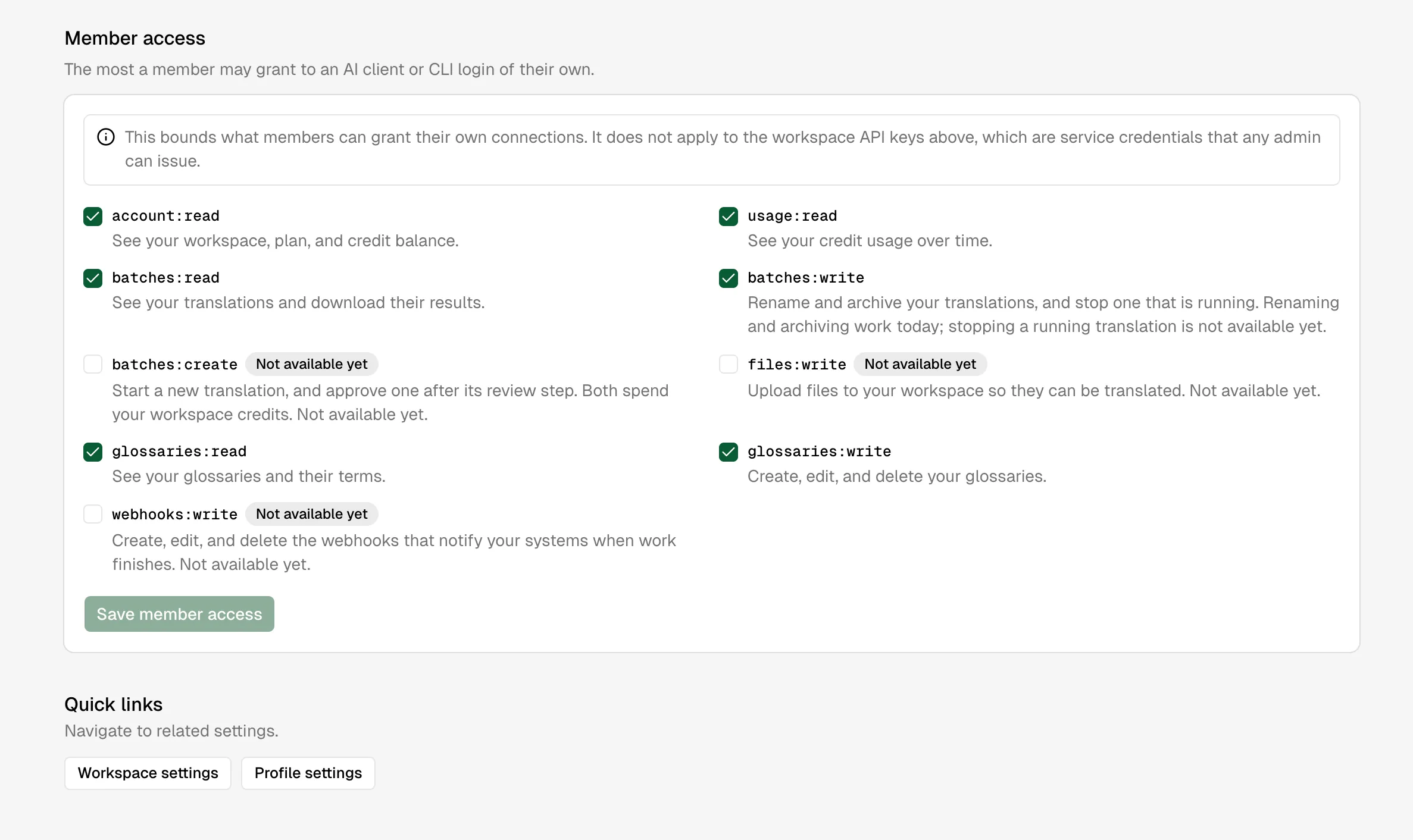
OAuth connections, such as a CLI login or an MCP client, carry the identity of the member who approved them. The workspace’s member access policy acts as a ceiling: a person limited to read-only developer access cannot obtain write access by requesting a broader OAuth scope.
Leaving or deleting
Removing a member removes their workspace access. Revoking a key or OAuth connection stops that credential independently. Account deletion and workspace ownership have safeguards so shared workspace data is not silently orphaned.
Personal preferences
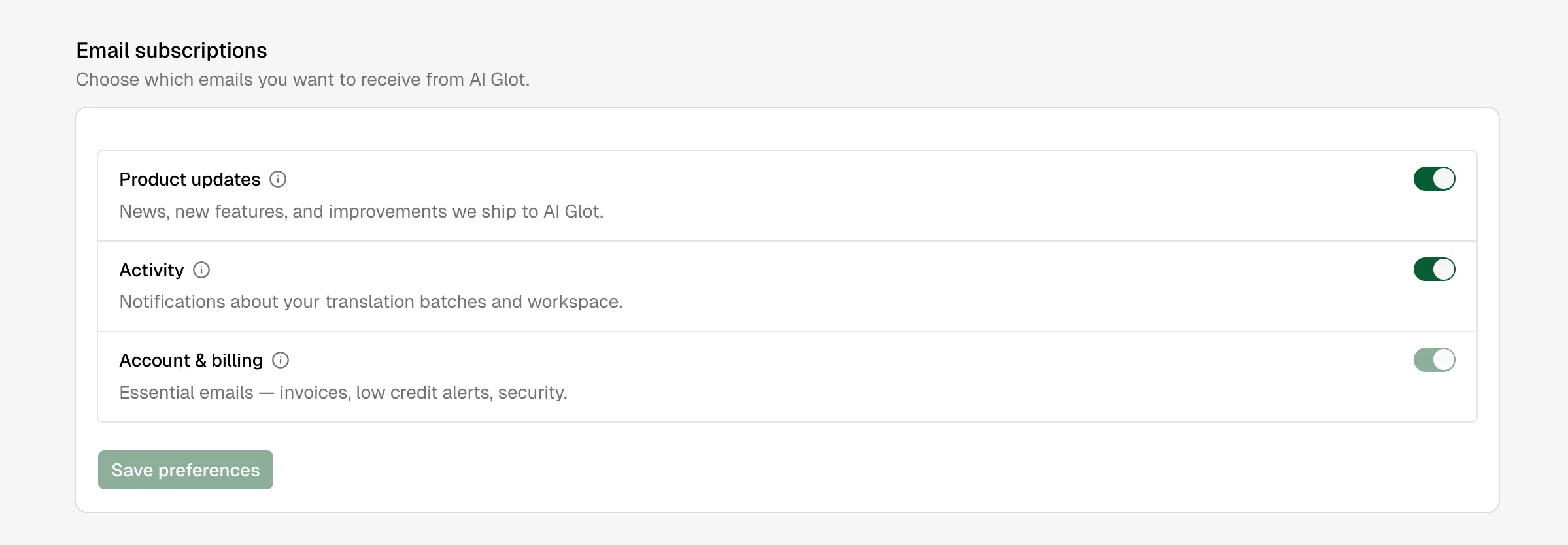
Members can update their display name, theme and interface language from their profile settings. Email subscriptions are managed separately so product updates, activity notifications and account or billing emails can be controlled independently.