Troubleshooting
Fix common AI Glot upload, mapping, credit, progress, download and developer-access problems without losing work.
Open the symptom that matches what you see. The fixes below do not delete a translation or consume additional credits.
The CSV is rejected before upload
Re-export it as UTF-8 CSV and check for blank or duplicate headers, unclosed quotes and rows with a different number of columns. Upload ceilings are per format: 60 MB for CSV, 4 MB for a locale file. See Files and formats.
A cell is too long to translate
Each individual source cell selected for translation may contain up to 50,000 Unicode characters. Split longer HTML or editorial content into multiple rows or smaller fields, then upload the revised CSV. This limit applies to one cell and is separate from the smaller limit used to group ordinary cells into translation tasks.
Analysis chose the wrong columns or languages
Analysis is a proposal. Change the layout, source, destination, language mode or target languages on the review screen before starting. Preview sample values to distinguish content columns from IDs or metadata.
The credit estimate looks too high
Check which cells the selected layout includes. Multi-language columns multiplies the source count by the number of destinations; Full CSV includes every translated text cell. Paid plans can use Lite for eligible bulk content at about one third of Standard cost.
Translation appears slow
Keep the batch page open to see its live phase and percentage, but the job continues if you leave. Multiple destination languages, many short cells and retries can take longer than a similarly sized file with one destination. AI Glot emails you on completion.
If progress has not changed for an extended period, reload once. The server, not the browser animation, is authoritative. A terminal failure returns reserved credits automatically and shows a safe error message.
The downloaded file will not import
Compare it with the original export: same delimiter, headers, number of columns and row identifiers. AI Glot preserves these, but the destination system may impose its own required fields, value lengths or locale codes.
API, CLI or MCP authentication fails
Check that the credential is active, belongs to the expected workspace and has the required scope. For CLI problems, run aiglot doctor. For structured API failures, follow the docs_url and quote the returned request_id when contacting support.
A tool will not start a translation
Check the scope, not the tool: the REST API, the MCP tools and the CLI can all start one. Creating and approving both require batches:create, and that scope is excluded from the default member ceiling: an admin has to widen it before a member’s connection can spend credits. Approving without planning first fails with no_plan_yet.
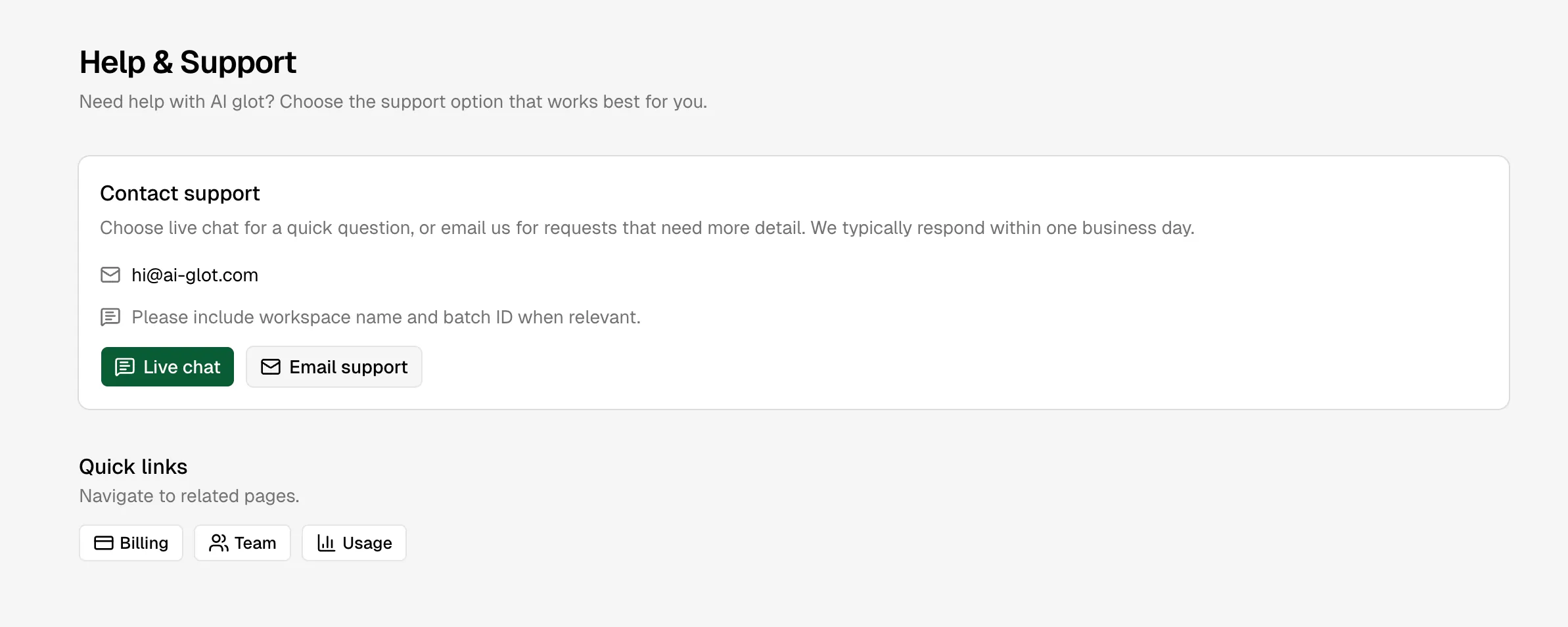
Contact support
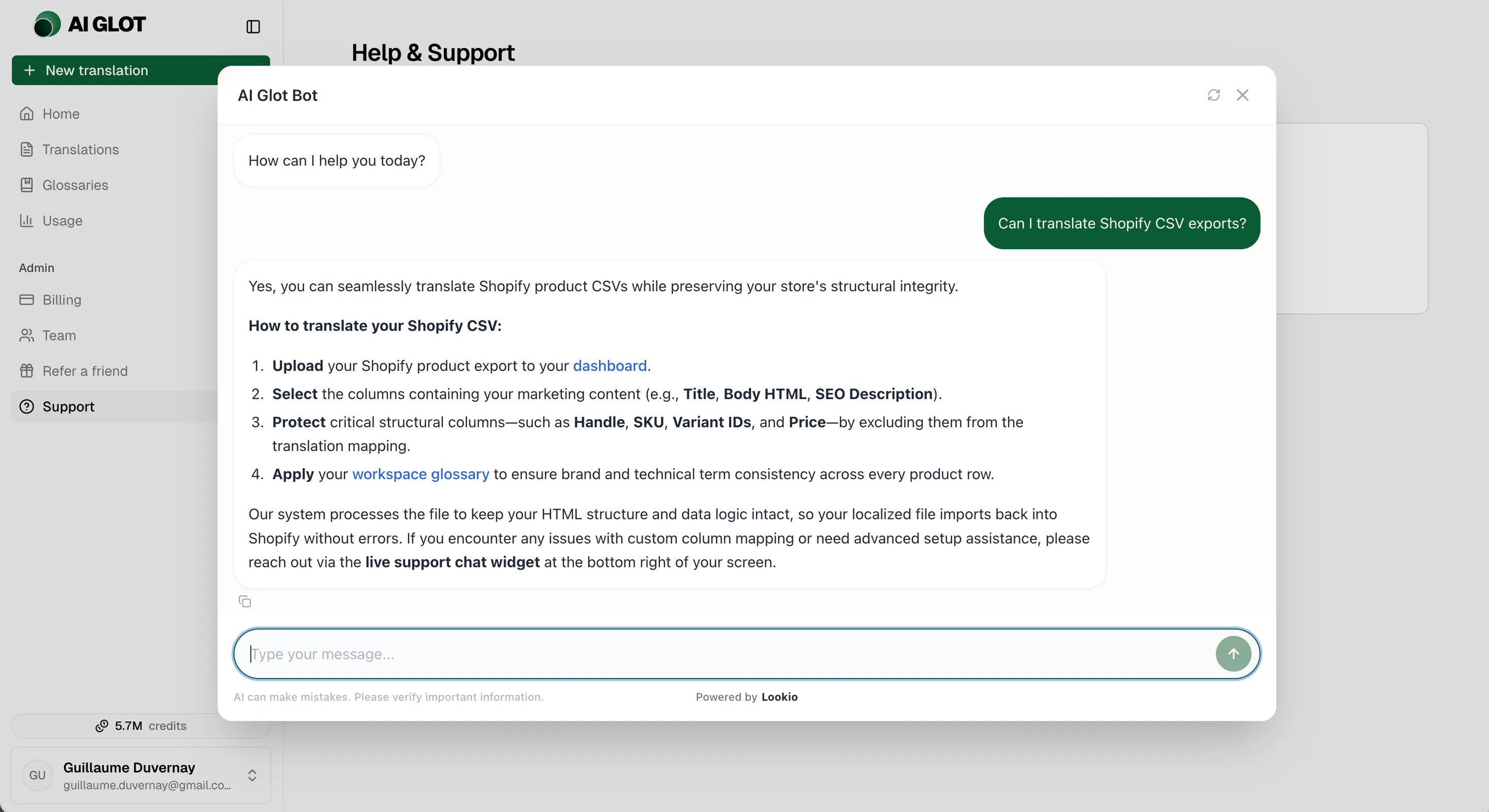
If the steps above do not resolve the issue, open Support in the app. Include the workspace name, batch ID and request ID where relevant, but never include an API key or access token.