Files and formats
See every file format AI Glot accepts, the size ceiling for each one, what structure is preserved on the round trip, and how to prepare an export that re-imports cleanly.
AI Glot accepts more than 35 file formats, from Word, PDF and InDesign documents and spreadsheets to subtitles and app localization files. Whatever you upload, the same promise holds: the words change and the structure does not, so the file goes back where it came from.
This page is the reference table. For one guide per format, with what is translated, what is left alone and example instructions to copy, see File formats.
What you can upload
Size ceilings are per format, not global. A limit that works for a spreadsheet would be far too generous for a locale file, where a few megabytes is already an enormous catalogue.
Documents
| Format | Extensions | Ceiling |
|---|---|---|
| Word | .docx, .dotx, .docm | 25 MB |
.pdf | 25 MB | |
| PowerPoint | .pptx, .potx, .ppsx, .pptm | 30 MB |
| OpenDocument text | .odt | 25 MB |
| OpenDocument presentation | .odp | 30 MB |
| EPUB | .epub | 25 MB |
| HTML | .html, .htm, .xhtml | 8 MB |
| Markdown | .md, .markdown, .mdx | 4 MB |
| Plain text | .txt | 4 MB |
| InDesign (IDML) | .idml | 30 MB |
Spreadsheets
| Format | Extensions | Ceiling |
|---|---|---|
| CSV | .csv, .tsv | 60 MB |
| Excel | .xlsx, .xlsm, .xltx, .xltm | 50 MB |
| OpenDocument spreadsheet | .ods | 20 MB |
Subtitles
| Format | Extensions | Ceiling |
|---|---|---|
| SubRip | .srt | 4 MB |
| WebVTT | .vtt | 4 MB |
| YouTube | .sbv | 4 MB |
| Advanced SubStation | .ass, .ssa | 4 MB |
| TTML | .ttml, .dfxp | 8 MB |
| LRC synchronized lyrics | .lrc | 4 MB |
App localization
| Format | Extensions | Ceiling |
|---|---|---|
| XLIFF | .xlf, .xliff | 12 MB |
| Trados, memoQ and Phrase XLIFF | .sdlxliff, .mqxliff, .mxliff | 12 MB |
| Android resources | .xml | 12 MB |
| .NET resources | .resx, .resw | 12 MB |
| Qt Linguist | .ts | 12 MB |
| JSON | .json, .arb, .resjson | 8 MB |
| JSON Lines | .jsonl, .ndjson | 8 MB |
| Xcode String Catalog | .xcstrings | 8 MB |
| YAML | .yaml, .yml | 4 MB |
| TOML | .toml | 4 MB |
| gettext | .po, .pot | 4 MB |
| iOS strings | .strings | 4 MB |
| iOS plural rules | .stringsdict | 4 MB |
| Java properties | .properties | 4 MB |
| INI | .ini, .isl, .lang | 4 MB |
| Fluent | .ftl | 4 MB |
| PHP language files | .php | 4 MB |
| Other XML (feeds, DITA, SVG) | .xml, .svg, .dita, .ditamap | 12 MB |
Archives
| Format | Extensions | Ceiling |
|---|---|---|
| ZIP | .zip | 20 MB |
A file over its ceiling is refused before any bytes are stored, so an oversized upload costs you nothing but the time to notice.
What survives the round trip
Structure is not decoration; it is what makes the result usable. Each family has its own idea of what must not change.
| Family | What stays as it was |
|---|---|
| Word, PowerPoint, OpenDocument, EPUB | Styles, images, page layout and formatting inside a sentence. Tracked changes, comments and text inside charts are left untouched, and the plan says so |
| Every page, image, graphic, colour and the page size. The text is rewritten in place, in the original font when it holds the letters needed and in a matching embedded font otherwise. A translation that runs longer is set with tighter lines and slightly smaller type in its block, never cut off | |
| Markdown, HTML, text | Code, link targets, tags, scripts and line breaks |
| CSV, Excel | Column order, identifiers, prices, URLs, blank rows, formulas and number formats |
| JSON Lines | One record per line, with every key and the order of the lines |
| INI | Comments, [sections], quoting and escapes |
| Fluent | Message and attribute identifiers, every plural variant, and variables such as { $count } |
| PHP language files | Code, array keys and function arguments. Only plain string values change, and placeholders such as :attribute, {field}, %s and $name are kept |
| Other XML | Ids, prices, URLs and attribute values, which are never translated. The plan chooses which elements hold text for people, and HTML inside CDATA stays CDATA |
| InDesign | Layout, frames, styles, images and fonts. Text is read in page order, with formatting inside a paragraph and hyperlinks kept, and tables, footnotes and master-page text included. Deleted tracked changes are left as they are, and the document’s language dictionary is not changed, so set it in InDesign. Longer text can overflow a frame, which the designer then adjusts |
| JSON, YAML, TOML | Every key, nesting level and array order. JSON is written back with two-space indentation, and YAML comments are not kept |
| XLIFF | Localization units, placeholders and inline tags |
| Trados, memoQ and Phrase XLIFF | Every segment, locked segments untouched, existing translations kept unless you ask to redo them, and Phrase text tags such as {1}. Results are marked as unconfirmed machine drafts for the translator to confirm in the tool (Trados Draft with machine origin, memoQ PartiallyEdited, Phrase unconfirmed). The whole file comes back, never a partial one |
| gettext | Message IDs, contexts and plural forms, with the Plural-Forms header rewritten for the target language |
| Android, iOS, .NET, Java, Qt | Resource keys, format specifiers and, for Android and Apple plural files, the plural forms each language needs |
| Subtitles | Cue numbering, timecodes and styling codes |
| LRC lyrics | Time tags, [ar:] and [ti:] tags and word timings |
| Archive | The folder tree and every filename inside it |
Keys are structure, not words. A translated JSON file drops straight back into the repository because nothing outside the values moved.
Per-cell length
Each individual source value selected for translation can hold up to 50,000 Unicode characters. Split longer HTML or editorial content into several rows or smaller fields before uploading.
A translated value is often longer than its source, so AI Glot keeps storage headroom above the input ceiling for the finished file.
An archive is also judged on how many values its members add up to, not only on its 20 MB ceiling: a translation running well under that size limit can still be refused if its files, combined, hold too many values to translate. Split a large archive into smaller ones if that happens.
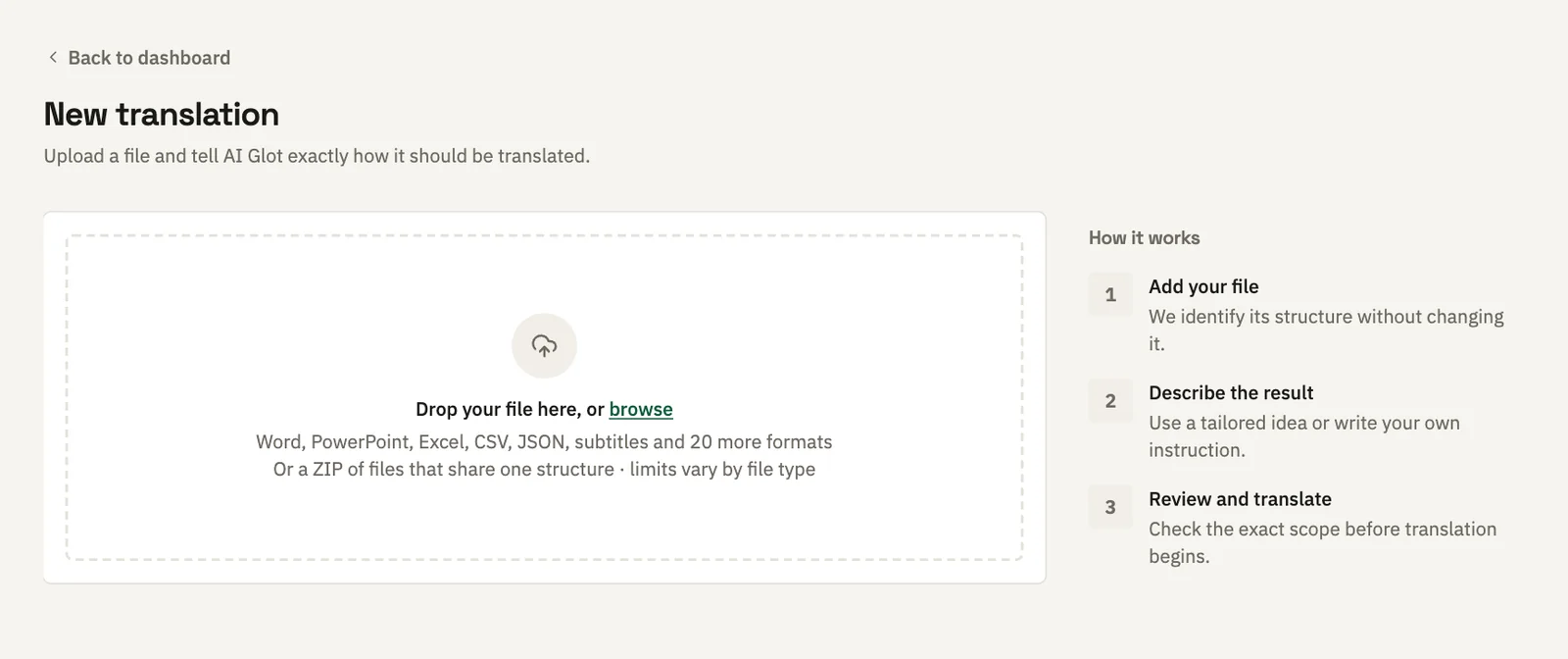
Preparing a spreadsheet export
CSV and Excel are the two formats people usually build by hand, and the two where a careless export causes the most trouble later.
Keep stable identifiers
Include the key your destination system uses to match rows, such as a product ID or a record ID, and leave it out of what you ask to translate.
Give columns unique names
Replace blank or duplicate headers before uploading. description_en and description_fr are far easier to reason about than two columns both called description.
Export CSV as UTF-8
Choose the UTF-8 CSV option in your spreadsheet tool. Renaming a file’s extension does not convert its contents, but you no longer need to convert at all, since .xlsx is accepted directly.
Keep a source copy
Structure is preserved, but the original export is still the safest rollback if your destination system rejects an import for reasons of its own.
CSV specifics
| Requirement | Supported behaviour |
|---|---|
| Encoding | Strict UTF-8 |
| Delimiter | Comma, semicolon or tab (.tsv), detected automatically |
| Line endings | LF, CRLF or CR |
| Quoting | RFC 4180, including embedded commas and line breaks |
| Headers | Every column needs a unique, non-empty header |
| Rows | At least one data row; every row must match the header width |
Not supported
A PDF must contain real text. Scanned PDFs are refused, because a scan is a picture of a page and AI Glot does not run OCR, and so are password-protected or encrypted PDFs, PDFs whose permissions forbid editing, digitally signed PDFs (translating would break the signature) and XFA forms. The old binary formats .doc, .xls and .ppt, and Apple’s Pages, Numbers and Keynote files, are refused with a message that says how to save them as .docx, .xlsx or .pptx first. Text inside images is not read.
A few more formats are refused with a message that says what to send instead:
| Refused | What to send instead |
|---|---|
.indd | In InDesign, choose File > Save As > InDesign CS4 or later (IDML) and upload the .idml |
.xlsb | Save the workbook as .xlsx |
.mo | Send the .po it was compiled from |
.js | Export the strings to JSON |
.mobi, .azw, .azw3 | Convert the book to EPUB |
.scc, .stl | Export the captions to SRT or WebVTT |
In the app, a refused format shows a Request this format button that opens the support chat with your request already typed in.
Rejected files
The browser applies the same structural rules as the translation engine before the upload starts, so a malformed file fails in front of you rather than several minutes later. It rejects empty files, invalid UTF-8, unclosed or unescaped quotes, empty or duplicate headers, missing data rows, rows with the wrong number of columns, an unsupported extension, and any file over its format’s ceiling.
Over the API the same refusals arrive as unsupported_format and file_too_large.