AI Glot websiteOpen AI Glot
Using AI GlotGlossaries
Using AI Glot

Glossaries

Create language-pair glossaries that keep product names and preferred terminology consistent across AI Glot translations.

A glossary maps a source term to the translation you want AI Glot to prefer. Use it for brand vocabulary, product terms and wording that must remain consistent.
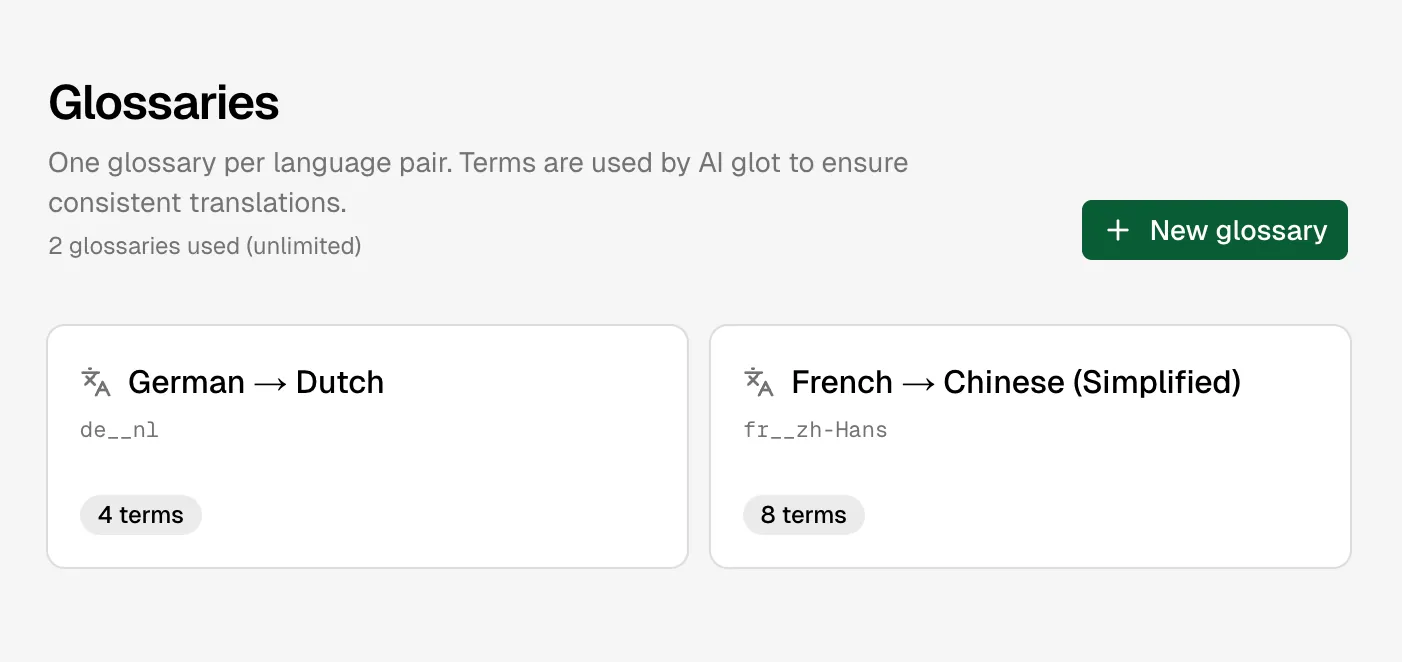
Glossaries list

Glossaries are organised by language pair

How glossaries work

Each glossary belongs to one workspace and one language pair, such as English to French. At translation planning time, AI Glot automatically takes a snapshot of the matching glossary; edits made after a batch starts affect future batches, not work already running.

text
checkout,commande
shopping cart,panier
AI Glot,AI Glot

The source term is matched exactly as terminology guidance, while the translation engine still adapts grammar and surrounding sentences.

Create or edit one

  1. Open Glossaries in the app.
  2. Choose the source and target languages.
  3. Add source and preferred target terms.
  4. Save. Fully empty rows are ignored; a half-filled row is rejected.
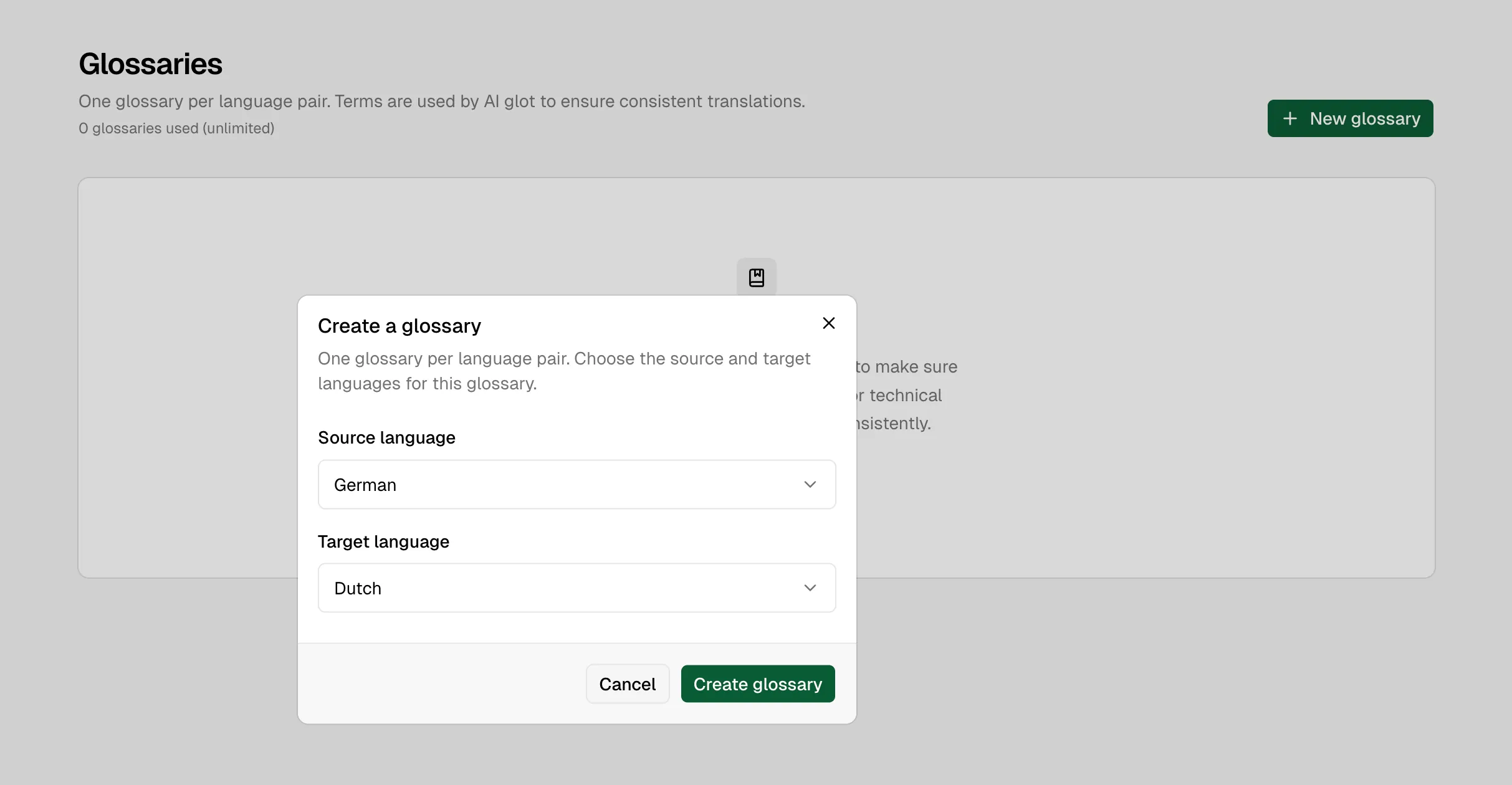
Create glossary dialog

Create a glossary by choosing its source and target languages

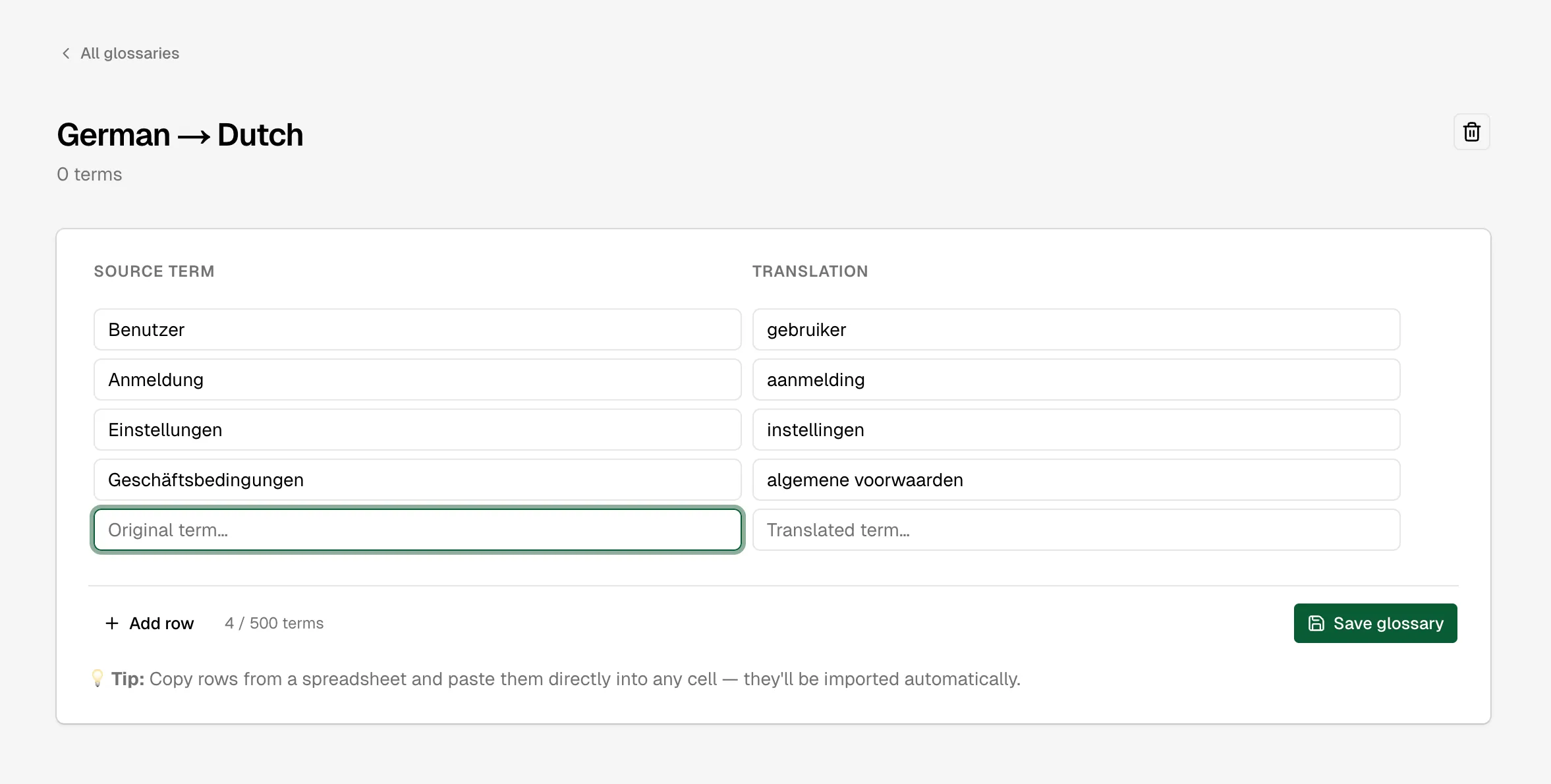
Glossary term editor

Edit terms directly in the two-column glossary editor

You can also manage glossaries through the REST API, CLI, or MCP tools.

Limits

PlanGlossariesTerms in each
Free150
Starter350
ProUnlimited150
BusinessUnlimited500
CustomUnlimitedContracted

Glossary size is capped because every term is added to every matching translation request. Large glossaries increase processing cost repeatedly, not only when they are saved.
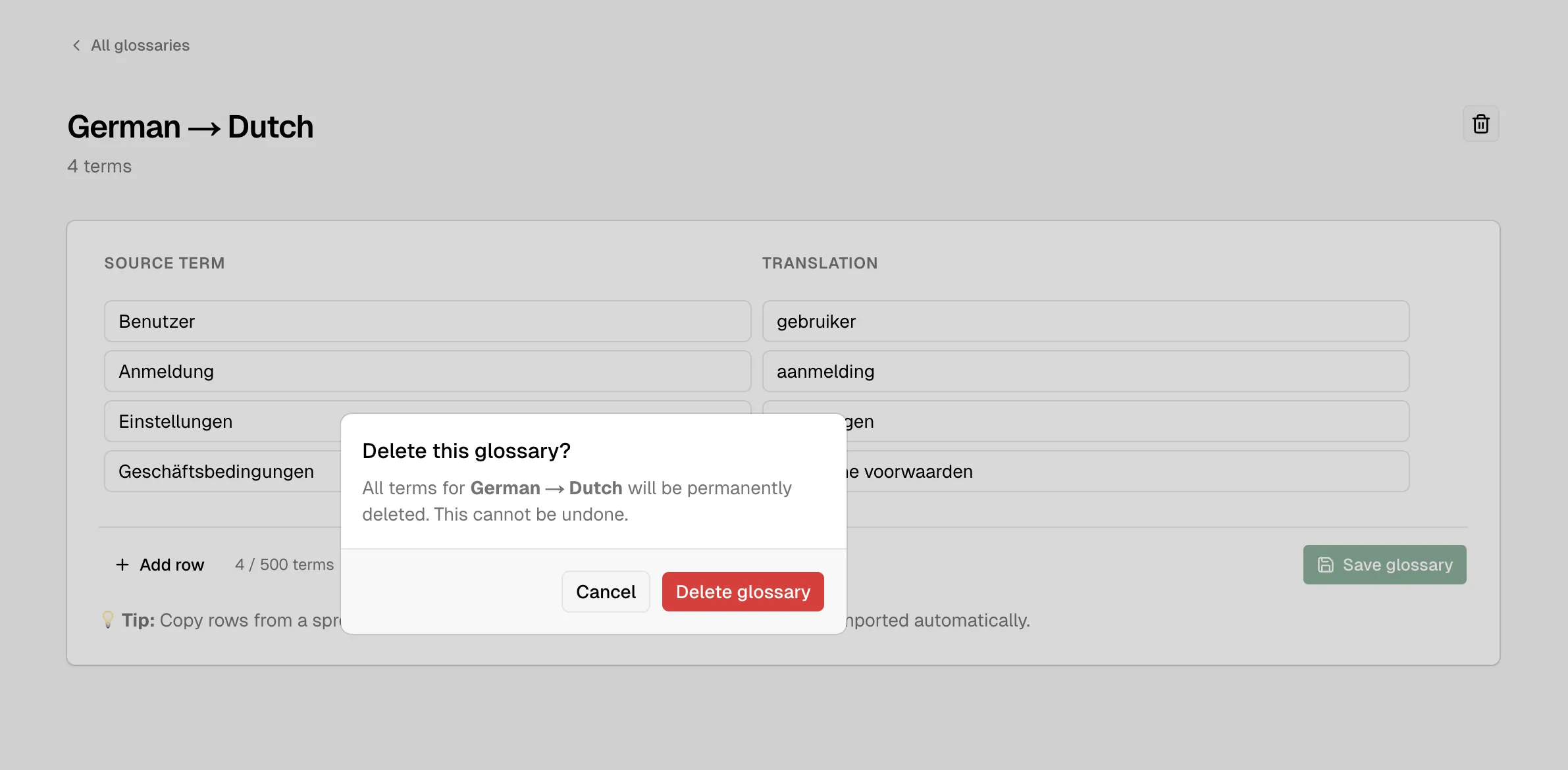
Delete glossary confirmation

Deleting a glossary is a permanent action

Use these docs with your AI tools

An AI agent can read this documentation directly. You do not need an account or an API key. Everything here is public and read-only.

Query these docs via MCP

Recommended

Add this server to Claude, Claude Code, Cursor, Mistral, or any tool that supports MCP. Your agent can then search AI Glot Docs documentation and read it in full, instead of answering from memory.

https://ai-glot.com/docs/mcp
  • searchFind the passages that answer a question.
  • fetchRead one page in full, as Markdown.
  • list_pagesSee every page in this documentation.

Query these docs over HTTP

The same tools also work as plain web requests. Use this for scripts, or for any tool that does not support MCP. There is one endpoint per tool. Arguments go in the query string, and the answer comes back as JSON.

https://ai-glot.com/docs/api/docs/search?query=custom+domain

Read the OpenAPI description. It is built from the same definitions as the tools, so it always matches what the endpoints do.

Read these docs as Markdown

Add .md to any page URL to get its Markdown source. You can also send the headerAccept: text/markdown to the page URL itself.

To read the whole documentation in one file, open llms-full.txt. For a short index of every page, open llms.txt.