

The Bottom Line: CSV translation is a structural challenge, not just a linguistic one: by choosing a mode that matches your file’s schema (e.g., “Selected Columns” for Shopify exports), you prevent broken imports and ensure that SKUs, IDs, and Slugs stay untouched.
Maintaining a brand glossary for these terms is crucial to avoid confusion.
To solve this, AI Glot uses distinct translation modes for different CSV structures. Understanding which one to use for your specific project is the key to a 5-minute CSV translation workflow. This approach is why many consider it the best website translation software for developers and marketers alike.
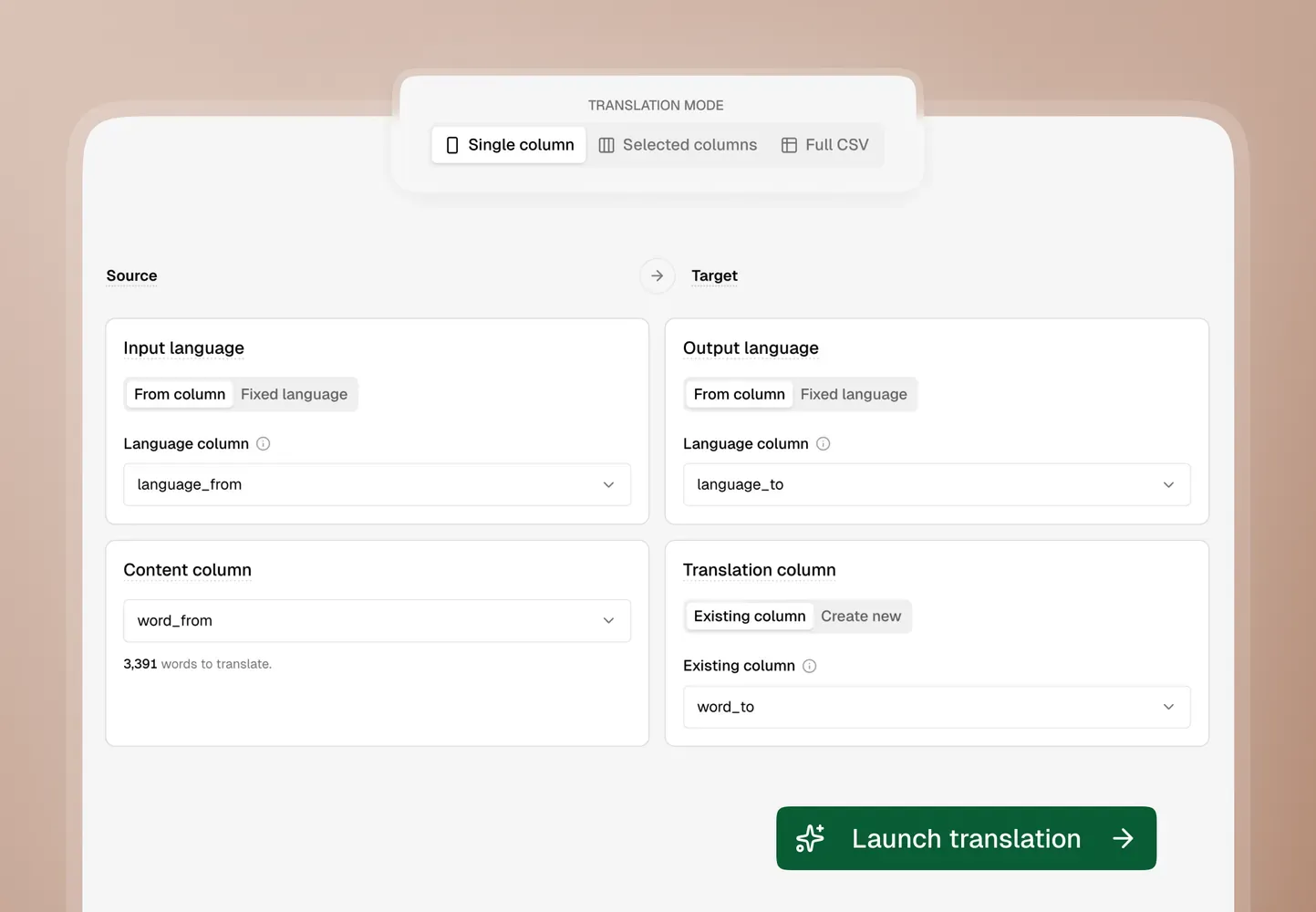
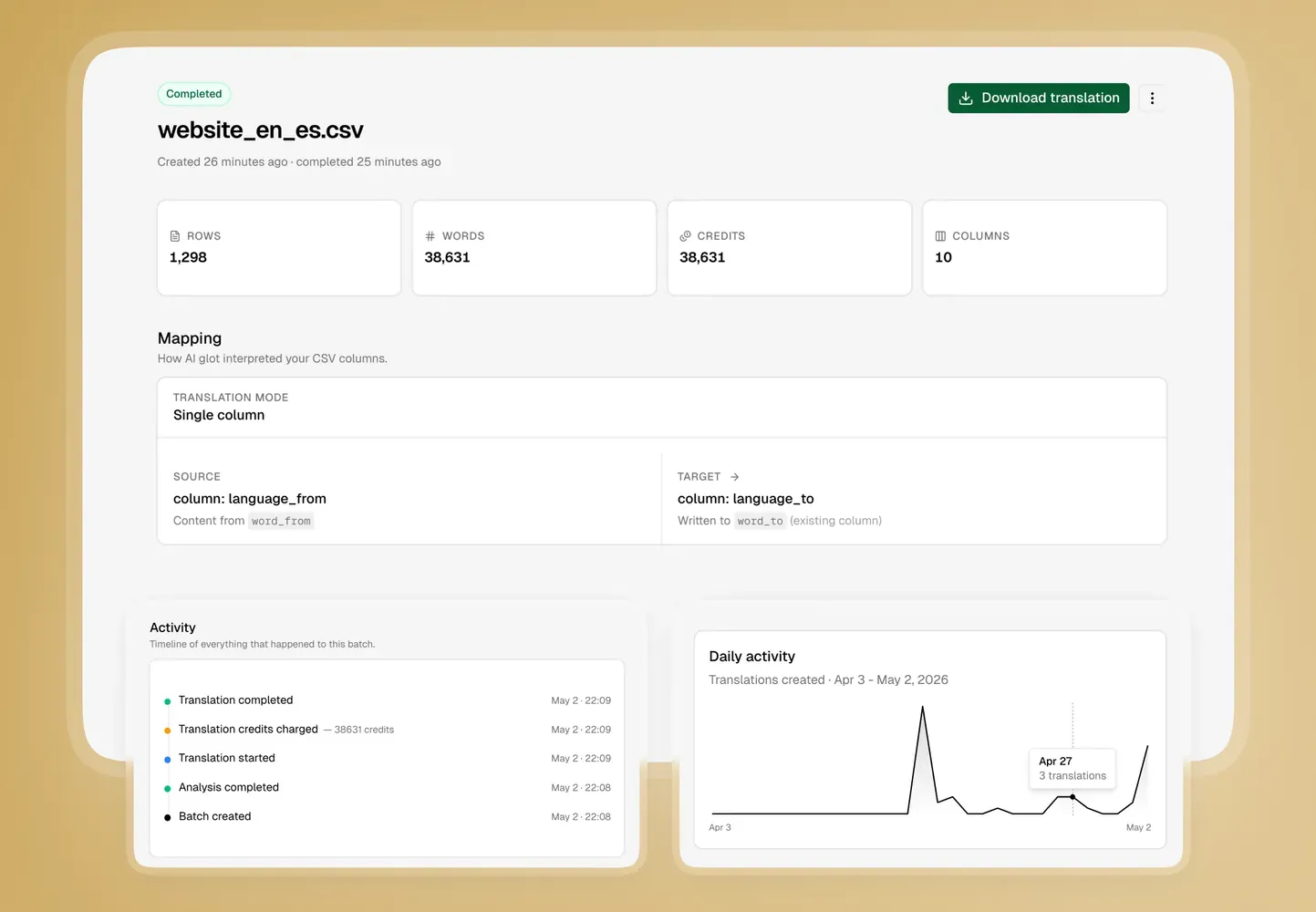
1. Single column mode: The surgical strike
This is our most popular mode for simple spreadsheet updates.
Imagine you have a CSV where one column is empty (e.g., Description_FR) and another contains your source text (Description_EN). You don’t want the AI to look at anything else. You just want it to fill the gap.
Use Single Column mode when:
- You are adding a new language to an existing database.
- You only need to update one specific field across thousands of rows.
- Your CSV is a “lookup table” where only the content matters.
By focusing the AI’s “attention” on a single column, you minimize token waste and ensure that the rest of your data remains perfectly untouched. This is often the smartest move when you want to translate product catalogs or update specific metadata fields.
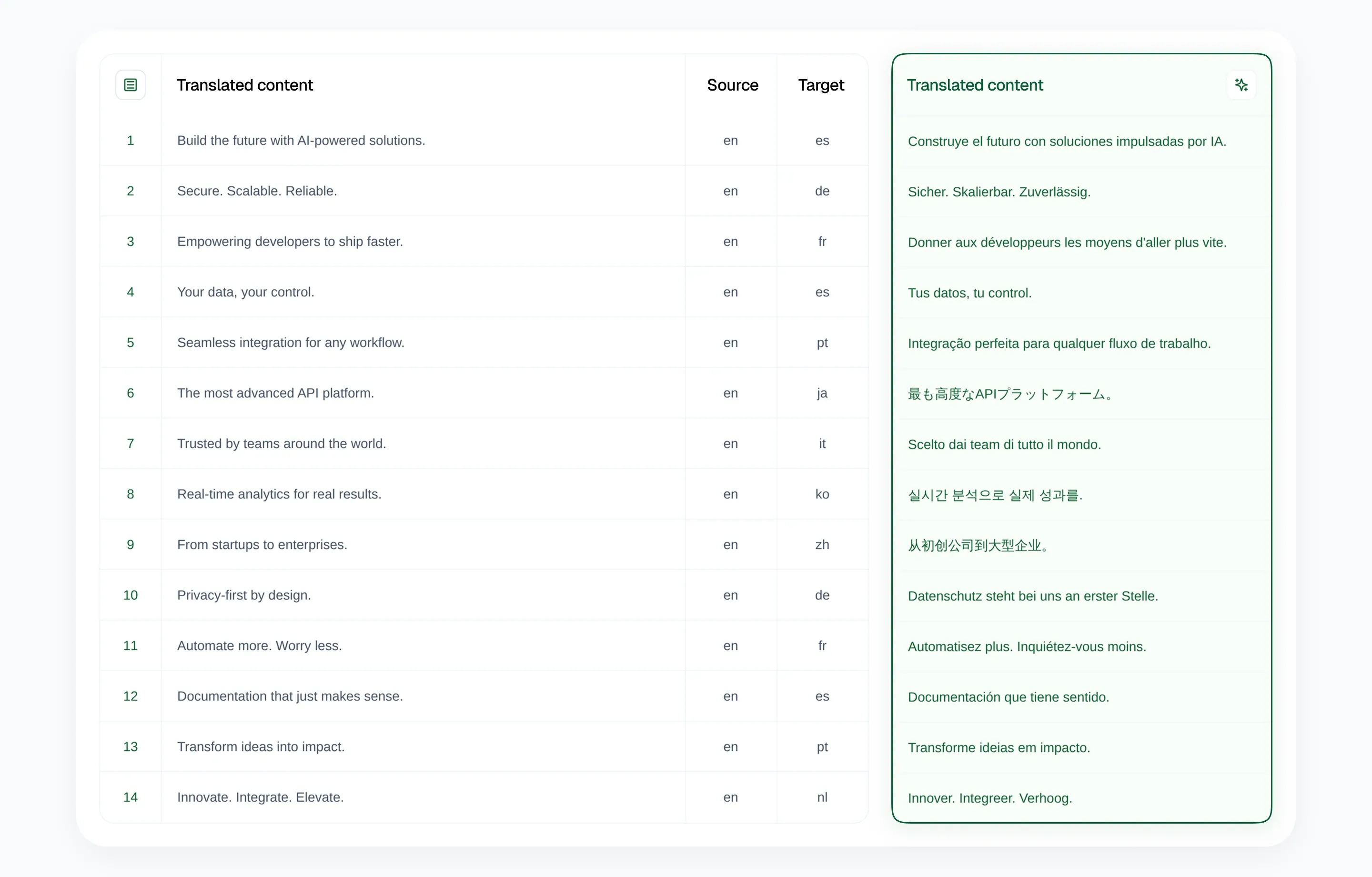
2. Selected columns mode: The CMS power-user
This mode was built specifically for Webflow, Shopify, and modern headless CMS exports.
CMS exports are messy. A single row might have 40 columns, but only 4 contain translatable text (like Title, Body, SEO Description, and Excerpt). The other 36 columns are IDs, Slugs, Image URLs, and booleans that must not be touched if you want the file to import back correctly.
Use Selected Columns mode when:
- You are localizing a Webflow CMS collection.
- You are translating a Shopify product catalog.
- You have a complex CSV where text fields are mixed with technical metadata.
In this mode, you map exactly which columns are “Source” and which are “Target.” AI Glot handles the rest, ensuring that your IDs and SKUs never accidentally get translated into French, avoiding the common CSV translation mistakes that break CMS imports.
3. Multi-language columns mode: One source, many destinations
Some spreadsheets already have the target language columns waiting for you: English Terms, Spanish, French, German, and so on.
Either way, the job is the same: use one trusted source column and fill several existing language columns. You can build a translation glossary to ensure consistency across all of them.
Use Multi-language Columns mode when:
- Your source content is in one column.
- Your target languages already have dedicated columns.
- You want one output CSV with several language columns filled in place.
AI Glot uses intelligent mapping to detect language-like headers, suggest the source column, and let you review each destination language before launch.
4. Full CSV mode: The total transformation
Sometimes, you just need a complete mirror of your file in another language.
Full CSV mode treats the entire file as a translatable asset. It will localize every cell, including headers (if requested), to ensure the end-user sees a completely localized document.
Use Full CSV mode when:
- You are localizing app strings files for developers.
- You are translating a document that is meant to be read as a standalone spreadsheet.
- The entire context of the file is translatable content.
This is the most “hands-off” mode, perfect for when the structure is simple but the volume is high. It’s the ultimate solution when you need to do translations in bulk or handle app localization files without the manual overhead.
Which mode is right for you?
| Project Type | Recommended Mode | Rationale |
|---|---|---|
| Simple Translation List | Single Column | Most credit-efficient |
| SEO Meta Updates | Single Column | High precision for Meta Titles |
| Webflow CMS | Selected Columns | Protects Slugs and Image IDs |
| Shopify Products | Selected Columns | Keeps Handles and SKUs static |
| Language-column spreadsheet | Multi-language Columns | Fills existing Spanish, French, German, or other language columns |
| App Localization (JSON/CSV) | Full CSV | Localizes keys and values |
Choosing the right mode is also about saving on translation costs that generic AI tools often waste.
The bottom line
The secret to scaling your localization involves more than just using AI: it requires using the right mode for the right data structure. By understanding the full benefits of multilingual SEO, you can ensure your strategy is as efficient as possible. By choosing the mode that matches your CSV structure, you ensure that your files are not only translated but import-ready the moment they hit your inbox, without the predictability issues of raw chat prompts.
Ready to try it out? Sign up to AI Glot and see the modes in action on your first batch.